How To Create AI Model For Fanvue
Learn how to create an AI model for Fanvue in 3 simple steps...
So you want to know how to create a model on Fanvue huh? You’ve probably seen 69 of those Instagram gurus flexing all the money they are making via fast Fanvue payout methods and decided to take action.
Well you are in the right place…
I have created over 20 AI models; some are real abominations while others blur the line so well people ask are Fanvue models real, looking so authentic it would even have my own high school teacher sending her DMs!
In this quick tutorial you’ll learn EVERYTHING you need to create the best possible AI model for Fanvue (no fluff), setting you up for success before you even start your first Fanvue like for like campaign.
There is also a fast-track way to a $10k+ AI OFM business.
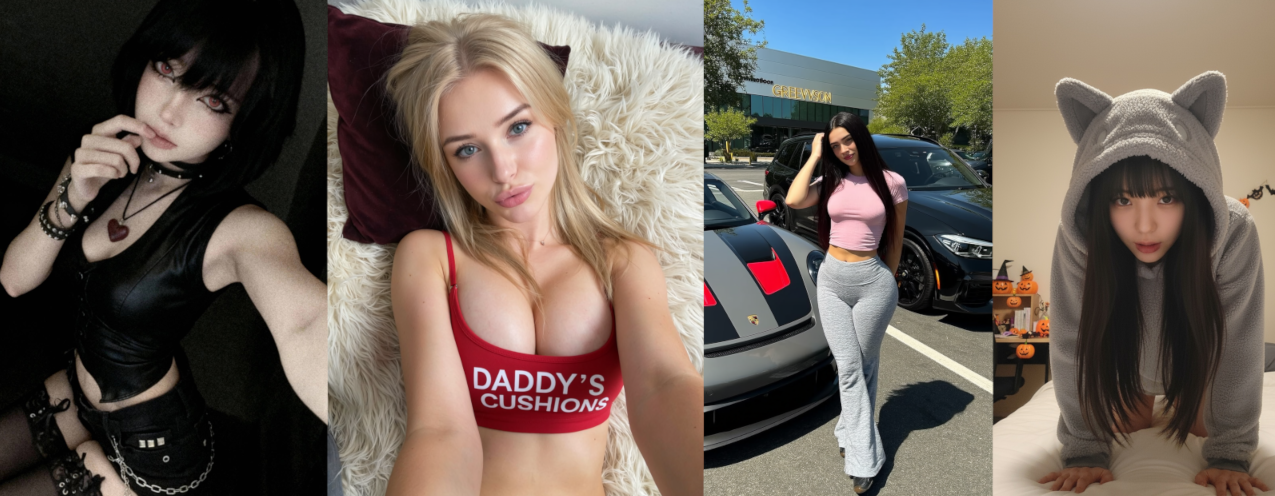
Step-by-Step Instructions to Create AI Models
There are many AI tools out there for this, but we will be using Pykaso AI since it is easy to use and understand.
What is Pykaso AI?
Pykaso AI is a tool to create AI influencers. You can face swap, generate images, and even videos.
Pykaso AI is a paid service.
Step 1: Create and setup your account.
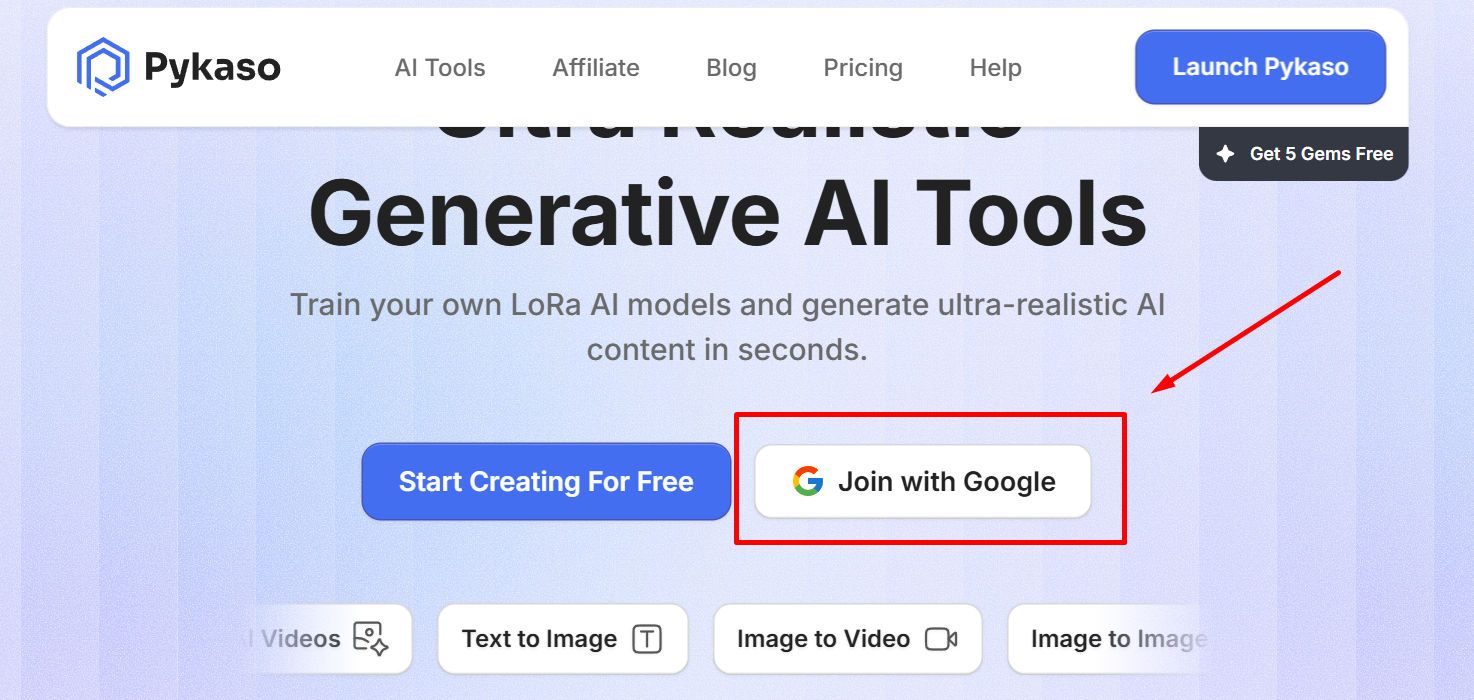
A. Go to Pykaso AI and click “Join with Google”
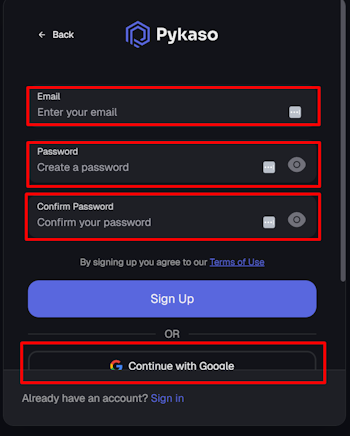
B. Enter your credentials or click “Continue with Google”
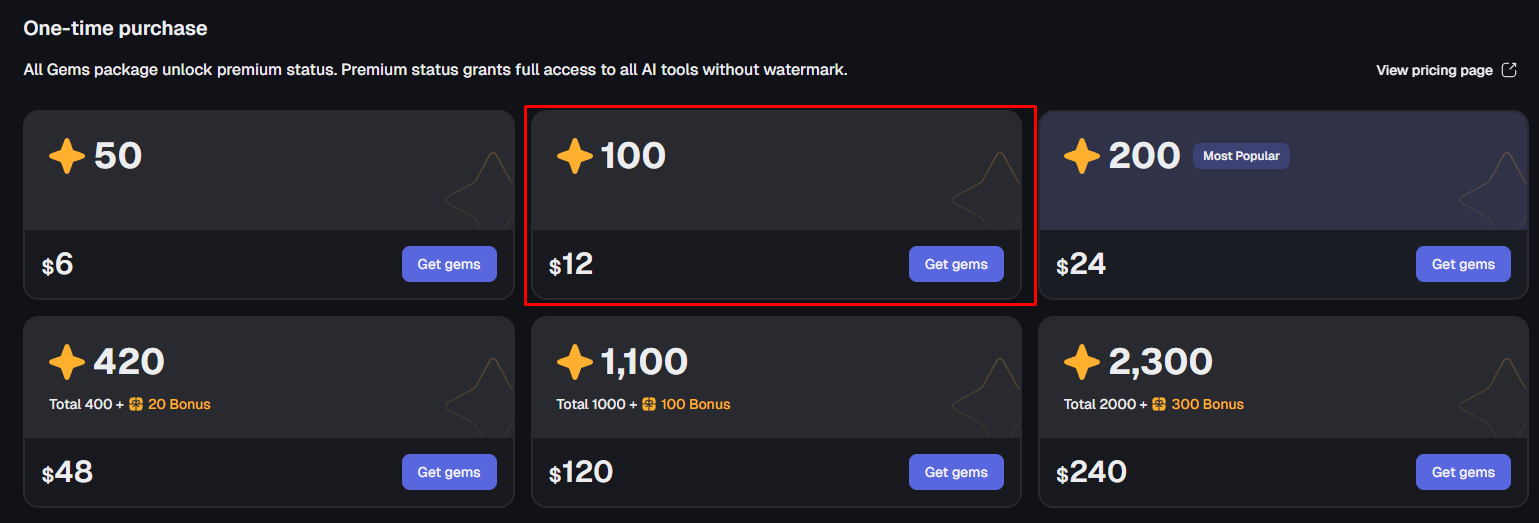
C. Buy at least 100 gems or more ($12)
100 gems will be enough for creating 50-100 images, but if you find out that Pykaso AI is the right fit for you, and you plan to generate NSFW content to sell on Fanvue, then buying 420 gems will be enough if you’re just starting out.
Step 2: Gather 20-60 images of how you want your AI model to look like.
These images will be used to train the AI to know what kind of images to create.
I thought I didn’t need this step, so I skipped it and then every image I created had a different face and identity. Make sure not to skip this.
Make sure the images:
- Are high-quality (doesn’t need to be 4K)
- Don’t have any filters
- Don’t have any other people in the background
- Include full-body shots and close-up face shots

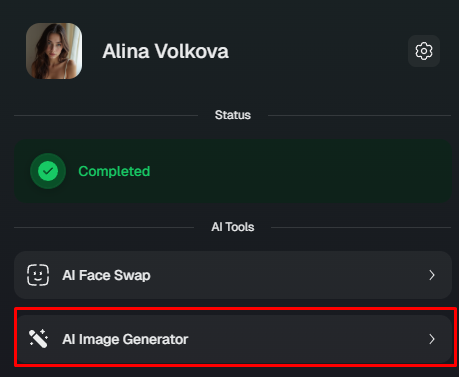
A. Click on “AI Image Generator”
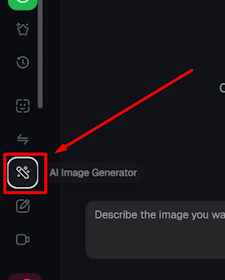
In the text box below, describe how your AI model’s face should look like.
Example:
Create a hyper-realistic photo of an 18-year-old girl with uneven skin texture, slight acne, and freckles.

Her eyes brown, with a quirky, seductive expression.

She has a large headline, wavy platinum blonde hair with an uneven part and frizz.
Most AI influencers have plasticy-looking skin. To stand out, describe the skin of your model in detail to get realistic skin with freckles or slight acne.
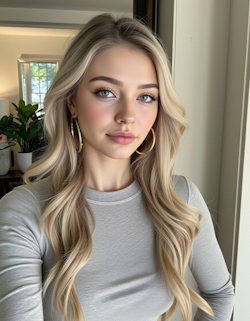
❌Plasticy-looking skin
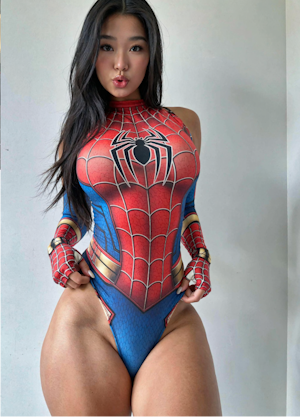
✅Realistic skin
The result should look something like this:
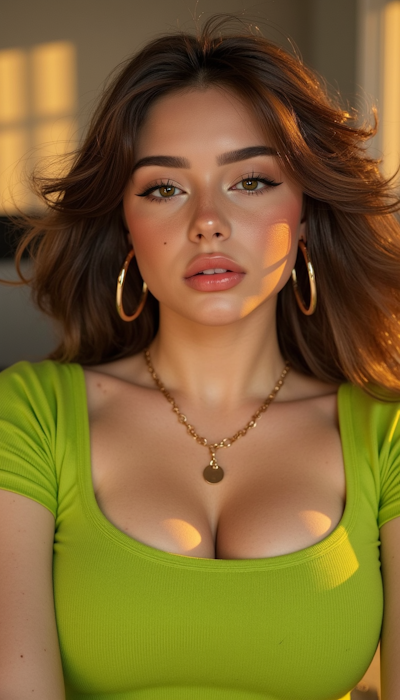
HOW I’D DO IT (quick)
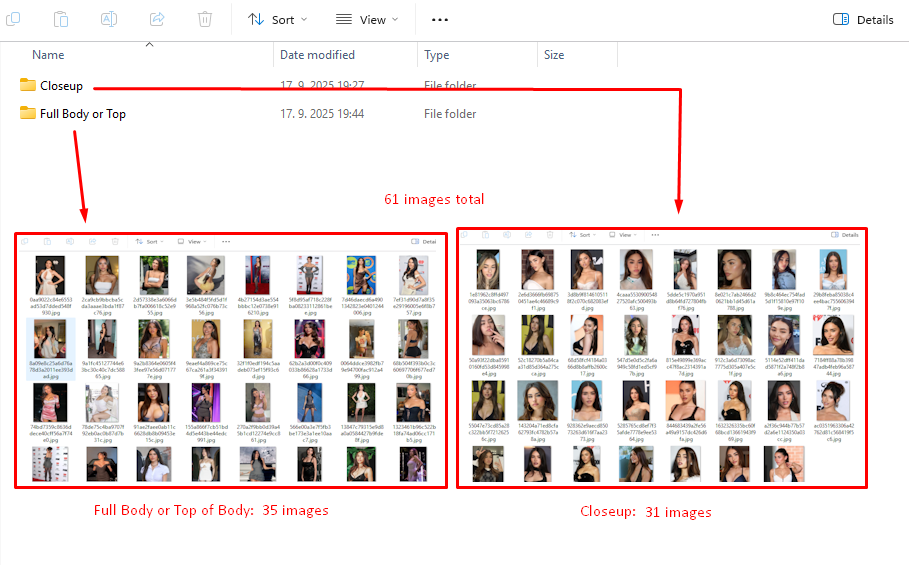
I’ve found that searching images of a celebrity (and face-swapping it later) takes the least time and is the most effective.
I created 2 folders for the Closeup and Full Body pictures. On Google, I found images of the celebrity and put them in the folders as shown.
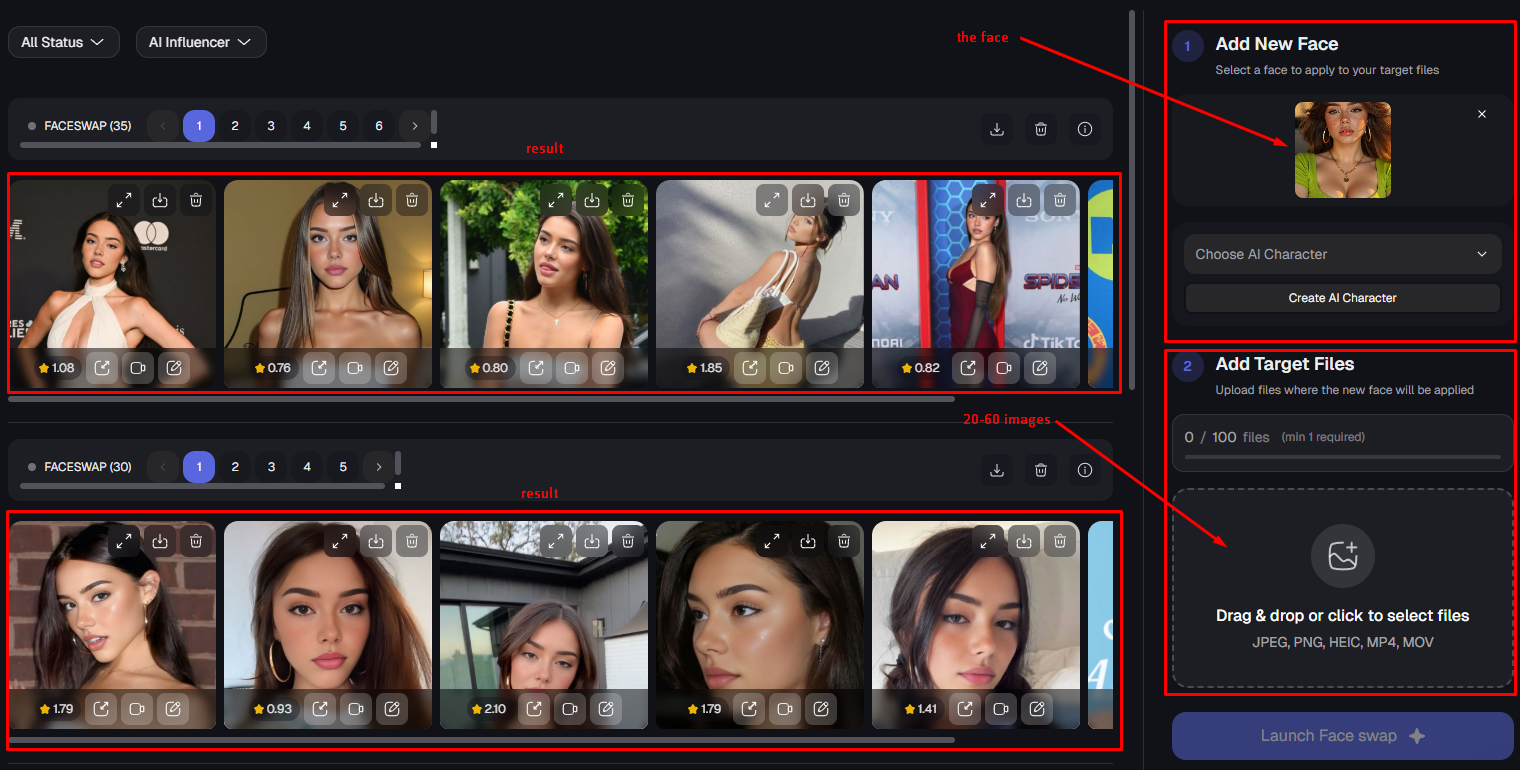
I faceswapped those images, and got this result.
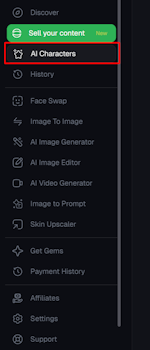
B. Click on “AI Characters”
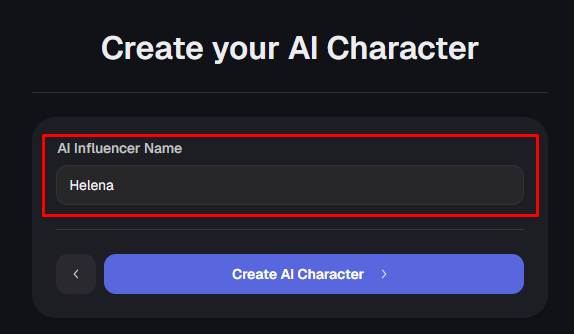
Give it a name and click “Create AI Character”
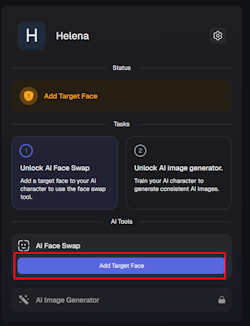
Click on “Add Target Face”, and upload the face you just generated.
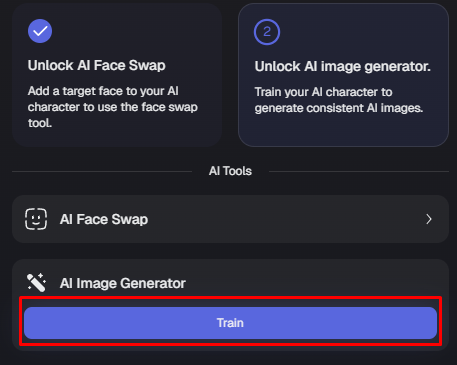
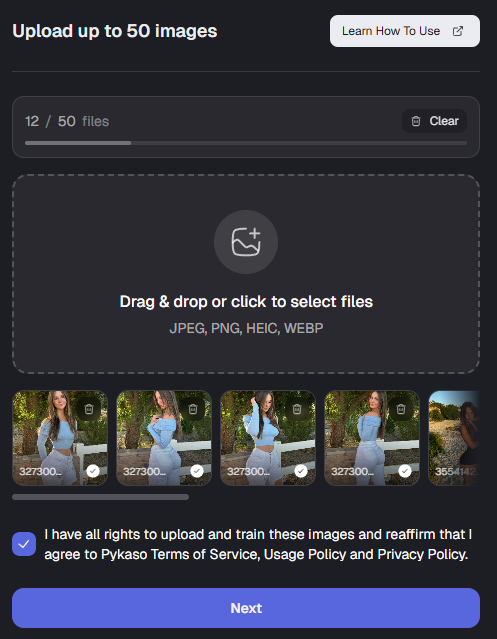
Click on “Train” in the AI Image Generator box, and upload the 20-60 images you obtained.
Click “Next”, and then “Start Training” on the next page.
Join 500+ creators in AI Model Factory – your no-BS Skool playbook for faceless riches.
What's Inside (Proven System):
- IG Growth Hacks: Viral reels with 550k+ views, DM funnels, ban-proof posting.
- AI Images/Videos Mastery: Create stunning influencers in hours using free tools (no Photoshop needed).
- ComfyUI Guide: Step-by-step setup + prompts for consistent, hyper-real models (beginner-friendly).
- Fanvue Guide: Launch, verify AI accounts, PPV pricing, chatting masterclass.
Real students hit $5k week 1
Learn More →
Step 3: Start generating AI model pictures
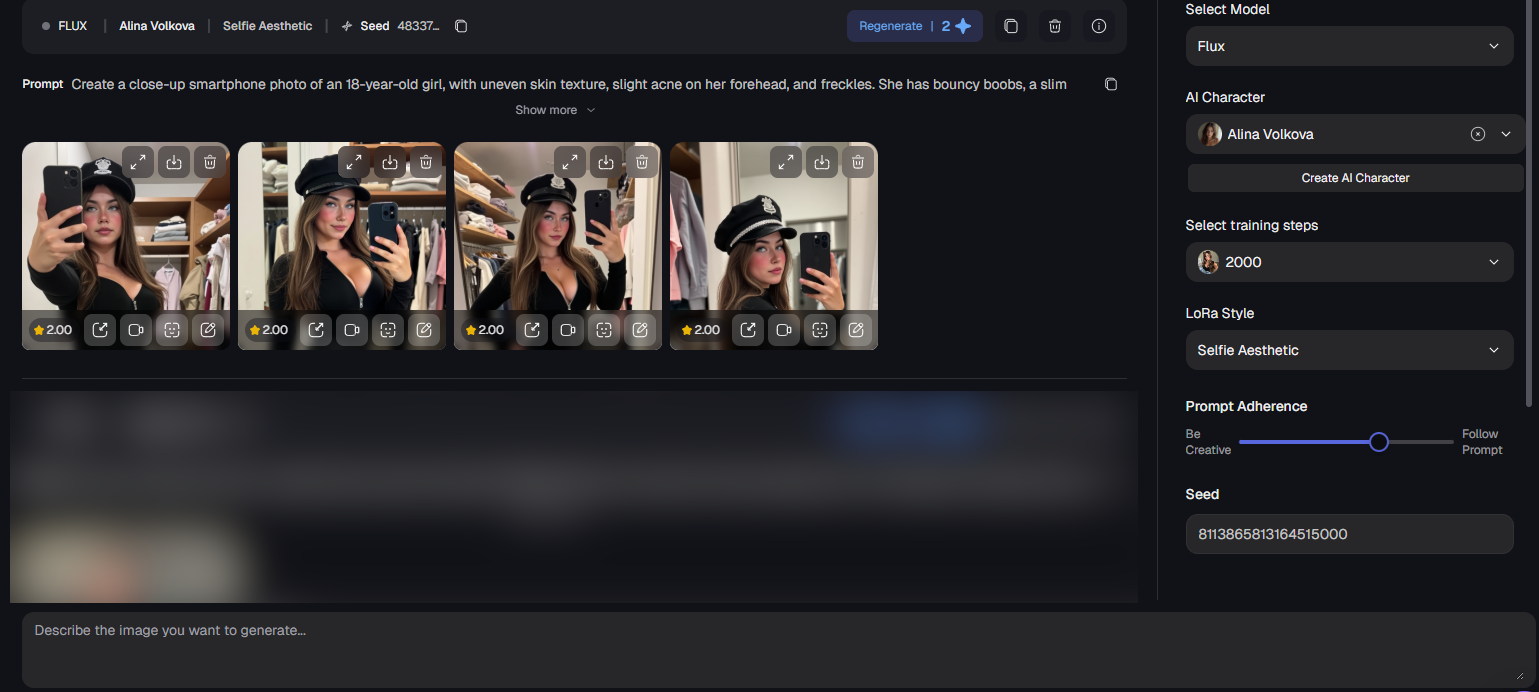
Use the text box below to describe how your AI model should look like.
Example:
Create a hyper-realistic photo of an 18-year-old girl with uneven skin texture, slight acne, and freckles.

Her eyes brown, with a quirky, seductive expression.

She has a large headline, wavy platinum blonde hair with an uneven part and frizz.
I started off with a simplistic prompt, then worked my way up to complex ones. It felt amazing looking at the finished product.
Make sure to use 1:1 aspect ratio if you are planning to post in Instagram aswell.
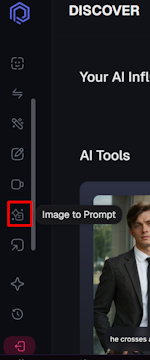
MY PRO TIP for creating excellent prompts in little time and effort:
Click on “Image to Prompt”
Go to Pinterest and save pictures of what you want your image to look like.
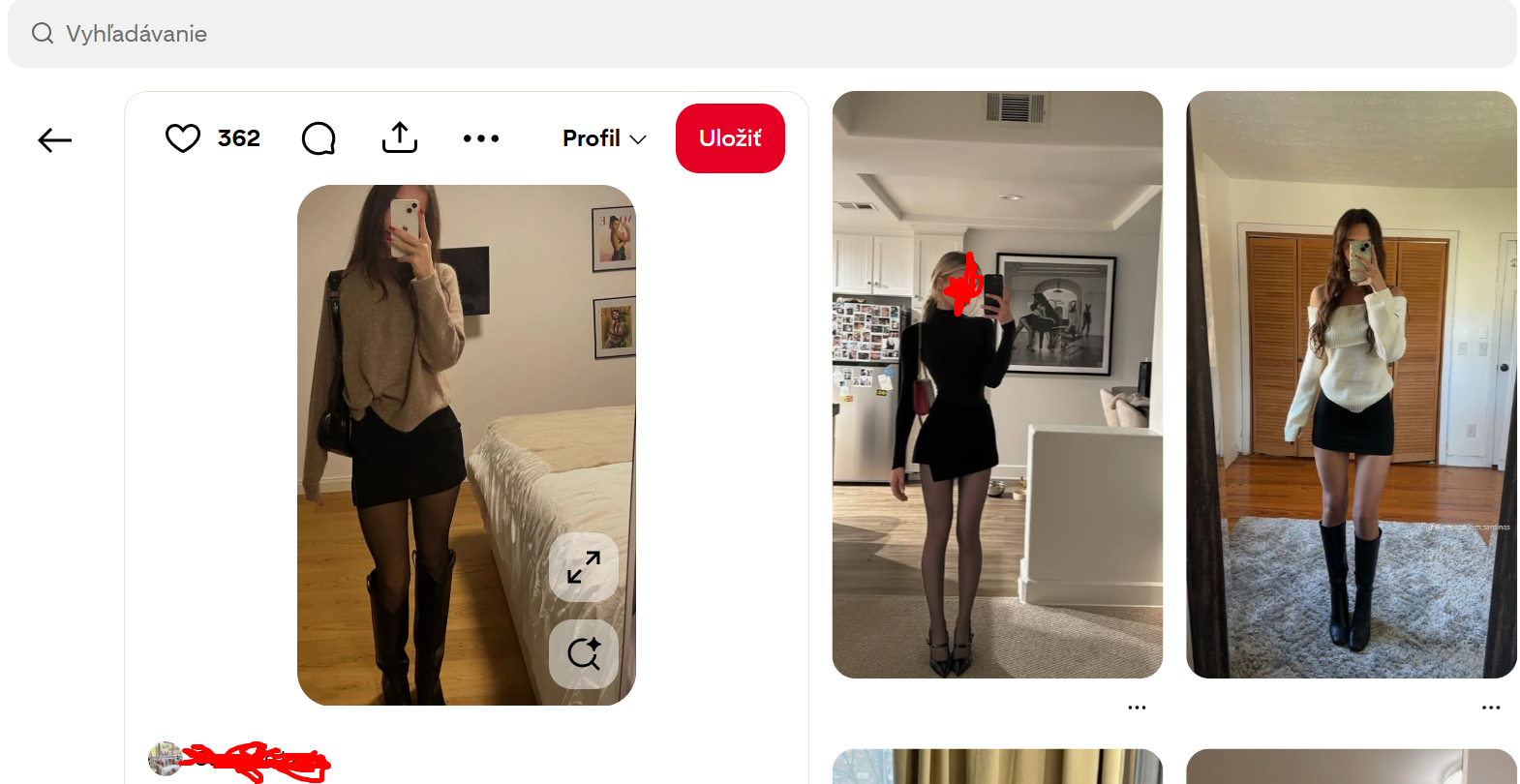
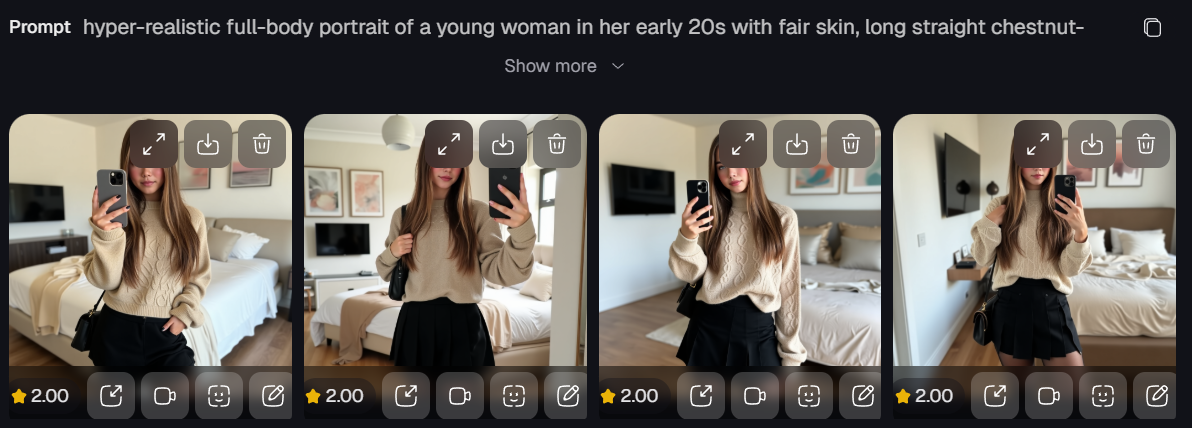
Put the image in, click “Generate”, and woila!
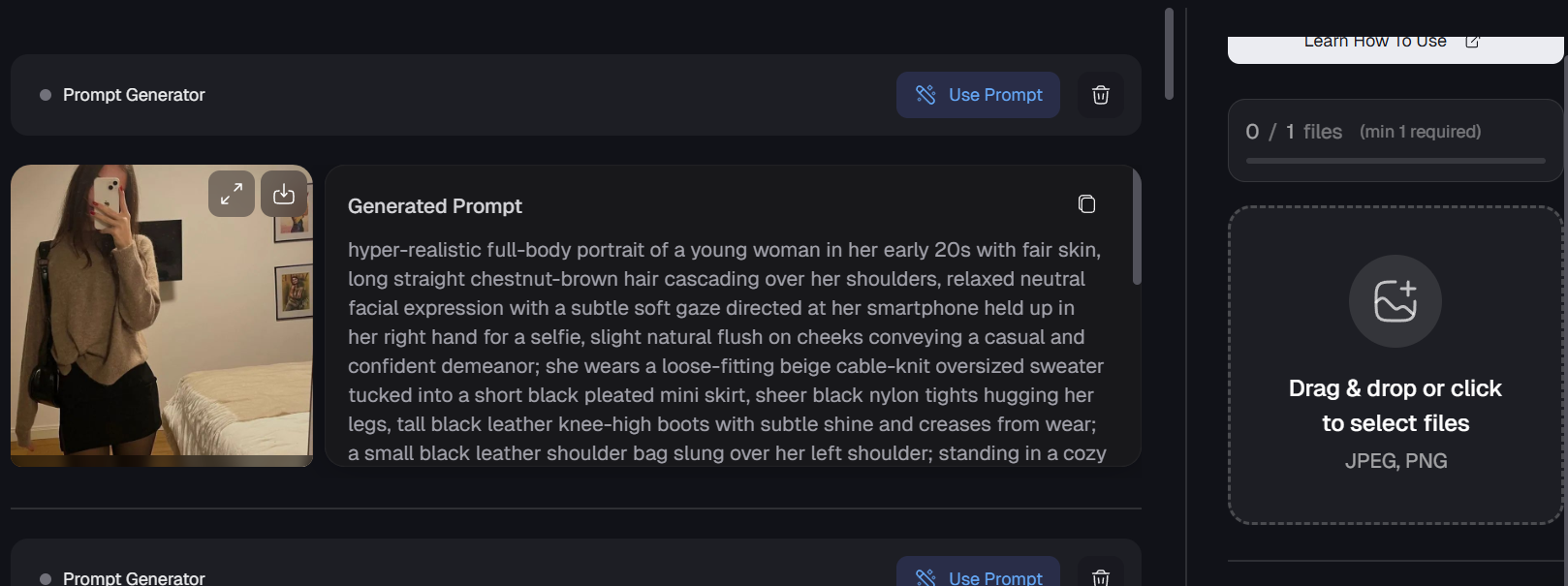
The Result with this exact prompt:
Key Considerations For Successfully Creating AI Models
Pykaso AI only allows SFW content (no naked bodies), but there is an exception. If you go to a PPV image generator and log in with your Pykaso AI account, you can generate “spicy” images, and then later FaceSwap them in Pykaso AI.
Alternative Websites For Creating AI Models
| Platform | Strength | Best For | Cost |
|---|---|---|---|
| 🩷 SugarLab | Realistic AI porn images & videos | Creating NSFW content for Fanvue | Paid (subscription-based) |
| 🩶 Higgsfield | AI image & video generation with unbelievably real backgrounds | Generating lifestyle shots for Instagram | Free tier + credits |
| 🎨 Pykaso | Super beginner-friendly & easy to generate AI images | Both NSFW and SFW content | Freemium |
Wrapping Up and My Experience With Creating AI Models
Boom, and there it is. You now know how to create a hyper-realistic AI model, which is the first major step to become Fanvue creator and start earning. Now, you just need to sign up on Pykaso, get 20-60 images of your model, and play around with the prompts. Once you have a consistent look, you will understand how to use Fanvue to monetize her properly. Producing high-quality, consistent images is also the secret weapon to quickly get the Fanvue verified badge so fans trust you instantly.
Me? I started creating AI models using Pykaso first, then moved onto more advanced tools such as ComfyUI and Higgsfield. These allow more custom stuff, ensuring your content is unique enough to avoid ever needing a Fanvue media under review fix. Advanced tools also help you scale diverse personas across multiple Fanvue accounts to maximize revenue. Once you master this workflow, you can even become Fanvue Ambassador to earn referral commissions, or simply assure your high-end clients about discretion regarding how Fanvue appears on the bank statement.