How to Fix “Your Media Is Under Review” on Fanvue
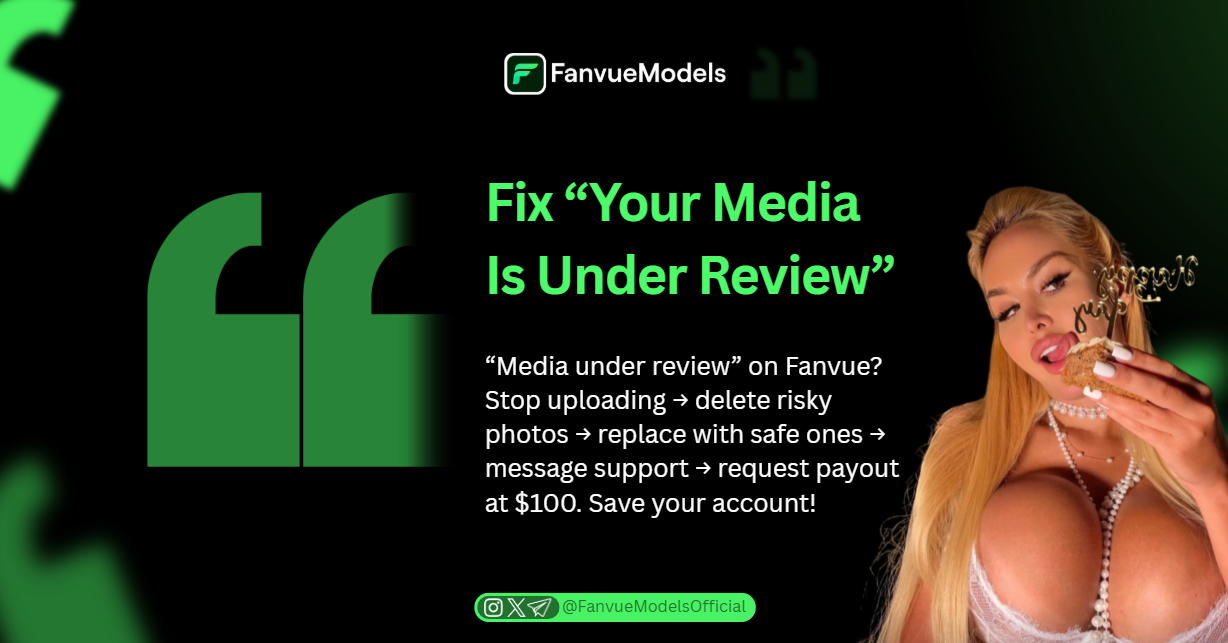
“Media under review” on Fanvue? Stop uploading → delete risky photos → replace with safe ones → message support → request payout at $100. Save your account!
You create a new batch of photos, hit post, and suddenly see the red warning:
“Your media is under review.”
Your heart stops. The page freezes. You wonder if your whole account is gone.
This message is the #1 nightmare for AI adult content creators in 2025, because it can freeze your content, block your payouts, or even wipe thousands of dollars if you are not careful.
“Under review” means Fanvue’s AI or moderators are checking your uploads for violations.
It happens automatically when you post risky stuff (nude in public places, teddy bears, Hello Kitty items, anything that looks underage or raises doubt).
The worst part: Some creators grind for weeks using Fanvue like for like strategies, perfect their fanvue profile, build up $5,000–$10,000, request payout, fail the review, and lose everything because old photos broke hidden rules.
This guide shows you exactly why it happens, how to fix it fast, and the one trick top creators use (request payout at exactly $100) so you never risk big money.
Keep reading and turn that scary red message into a 5-minute fix.
What to Do the Second You See “Your Media Is Under Review”
Do NOT panic and do NOT keep uploading.
Follow this exact 5-step emergency fix that top creators use in 2025.
Step 1: Stop everything and find the exact reason
- Open the notification or go to Media → Pending/Review
- Fanvue usually shows the reason (prohibited prop, age concern, public nudity, etc.)
- If nothing is written, screenshot it anyway.
Step 2: Self-audit your last 50–100 uploads in 10 minutes
When dealing with "Media Under Review" issues, you need to eliminate the common instant flags (these kill 95% of accounts and impact whether is AI OFM profitable).
Look for the most common instant flags (these kill 95% of accounts):
- Avoid props like Teddy bears, Hello Kitty, school uniforms, pigtails + lollipop, and kids toys, as these are strict violations when making Fanvue NSFW content.
- Also strictly prohibited are backgrounds showing a Classroom, playground, or children's bedroom
- Avoid Full nudity in public places (beach bikini is fine, street nudity is banned).
- Never use Baby-face filters or anything that makes the girl look under 18.
- You must also avoid using Real unverified people in the background if you want to ensure your AI OFM promotion efforts are not wasted on a flagged account.
Delete every single risky photo. Use bulk select → delete forever → empty trash.
Step 3: Replace with 20–30 safe photos instantly
- Upload fresh content: lingerie at home, hotel room, studio, beach bikini, no props
- This proves to moderators you fixed the problem fast.
Step 4: Message support the same day (copy-paste)
Subject: Media under review: fixed and ready

Hi team, I received the review flag. I removed all flagged content and uploaded fully compliant photos. Please re-review my account ASAP. Thank you!
Clean fixes get re-approved in 24–72 hours.
Step 5: Always request payout at exactly $100
- Minimum payout is $20–$100 depending on method, which is the first milestone when you decide to become Fanvue creator.
Follow these five steps every time the red flag appears and you will keep your account and money safe.
- The moment you hit $100 → request withdrawal immediately. This is the most critical rule on how to use Fanvue for financial safety.
- This triggers the full account review early while you only risk $100, not $5,000+.
- Creators who wait and stack thousands lose everything when the big review fails, destroying their ability to scale to multiple Fanvue accounts.

Join 500+ creators in AI Model Factory – your no-BS Skool playbook for faceless riches.
What's Inside (Proven System):
- IG Growth Hacks: Viral reels with 550k+ views, DM funnels, ban-proof posting.
- AI Images/Videos Mastery: Create stunning influencers in hours using free tools (no Photoshop needed).
- ComfyUI Guide: Step-by-step setup + prompts for consistent, hyper-real models (beginner-friendly).
- Fanvue Guide: Launch, verify AI accounts, PPV pricing, chatting masterclass.
Real students hit $5k week 1
Learn More →
Conclusion
“You media is under review” is scary, but it is fixable 95% of the time if you act fast and smart.
Remember the golden rules and essential Fanvue tips:
- Stop uploading the second you see it
- Delete anything with teddy bears, Hello Kitty, school stuff, public nudity, or baby-face filters used to create AI model for Fanvue
- Replace with safe content immediately to help verify Fanvue account compliance
- Message support politely
- Always request payout the moment you hit $100 so you never risk thousands like on other Fanvue alternatives
Do these five steps every single time and you will almost never lose your account or your money while working to get Fanvue likes.
The creators who panic and ignore the flag get banned, wondering is AI OnlyFans legit. The creators who treat it like a quick cleanup keep banking $10k–$60k+ months for years, following a professional AI OnlyFans course.

You now have the exact emergency checklist.
Save this post, keep the infographic, and turn every review into a 48-hour fix instead of a nightmare.
Your AI girl is still safe.
Go clean it up and get back to making money.
You’ve got this. 💰